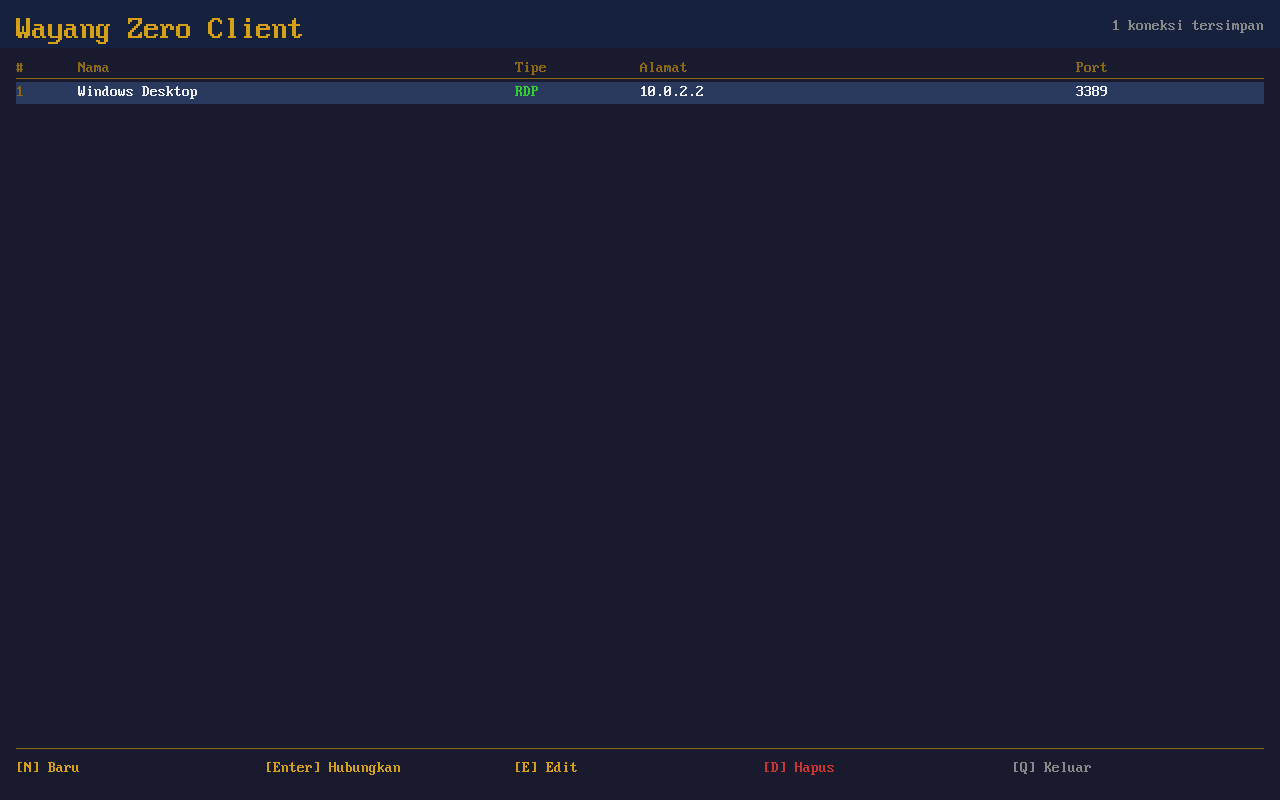
Manage all your remote desktop connections from one simple screen
Connect to your desktop from anywhere
Turn a simple device into a powerful workstation by connecting to your office computer remotely. No expensive hardware needed.
Manage all your remote desktop connections from one simple screen
Boot, connect, and work. It’s that easy.
Connect to any remote desktop — Windows via RDP, Linux or Mac via VNC. Works with what you already have.
Store multiple remote desktops with names, addresses, and credentials. Switch between workstations with a single click.
Network hiccup? No problem. Automatic reconnection keeps your session alive through interruptions.
Boot straight into the connection screen. No shell, no escape — perfect for shared workstations and public terminals.
The entire system boots in seconds from a USB drive or SD card. No installation, no waiting — just plug in and connect.
Old PCs, thin clients, any device with HDMI — if it has HDMI and a network port, it can be a workstation.
Click any screenshot to enlarge. Navigate with arrow keys.
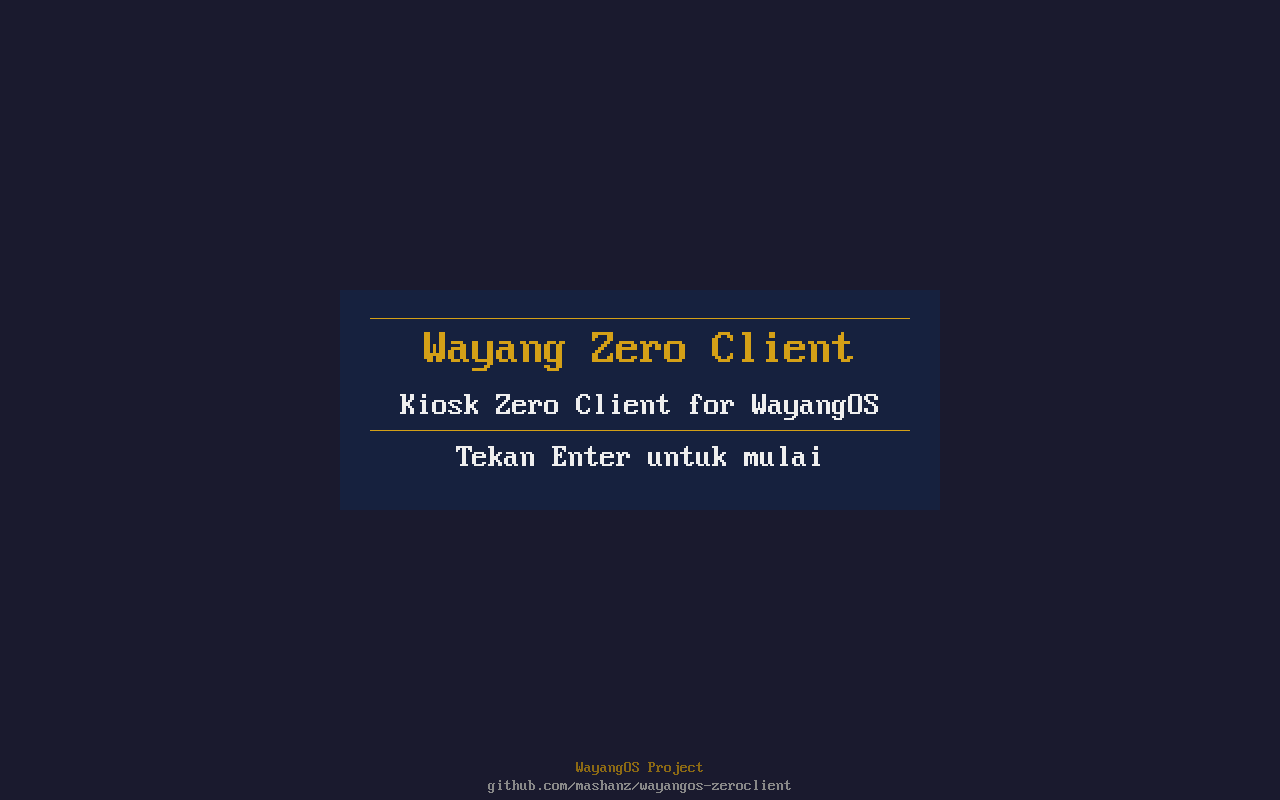
Welcome Screen
Connection Manager
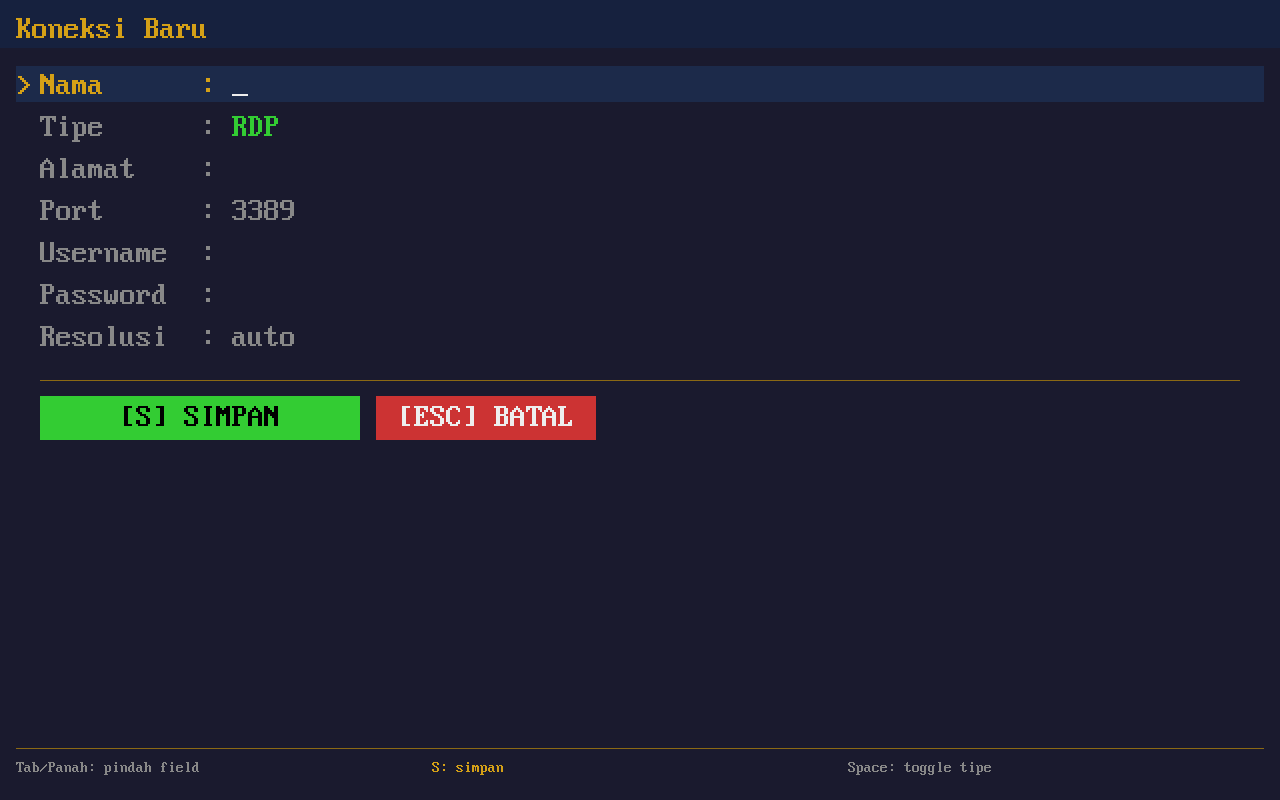
Edit Connection
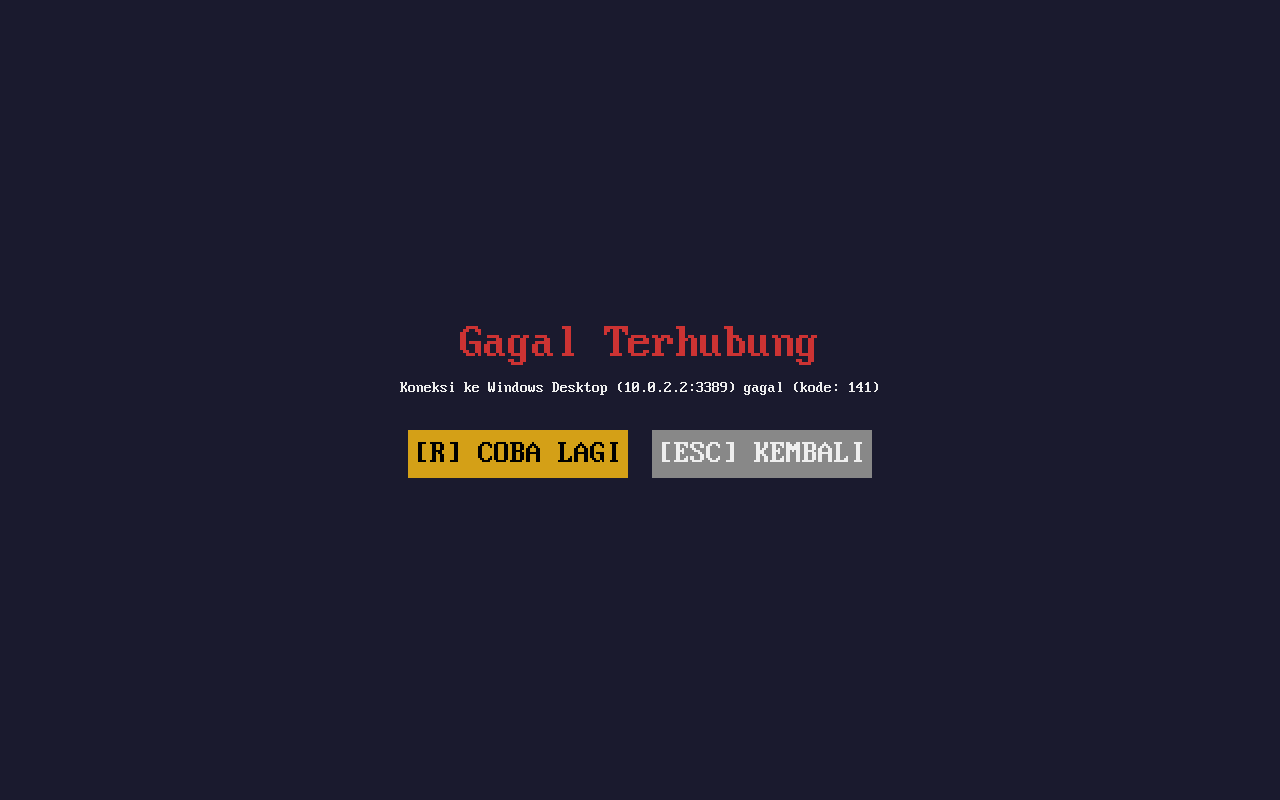
Connecting
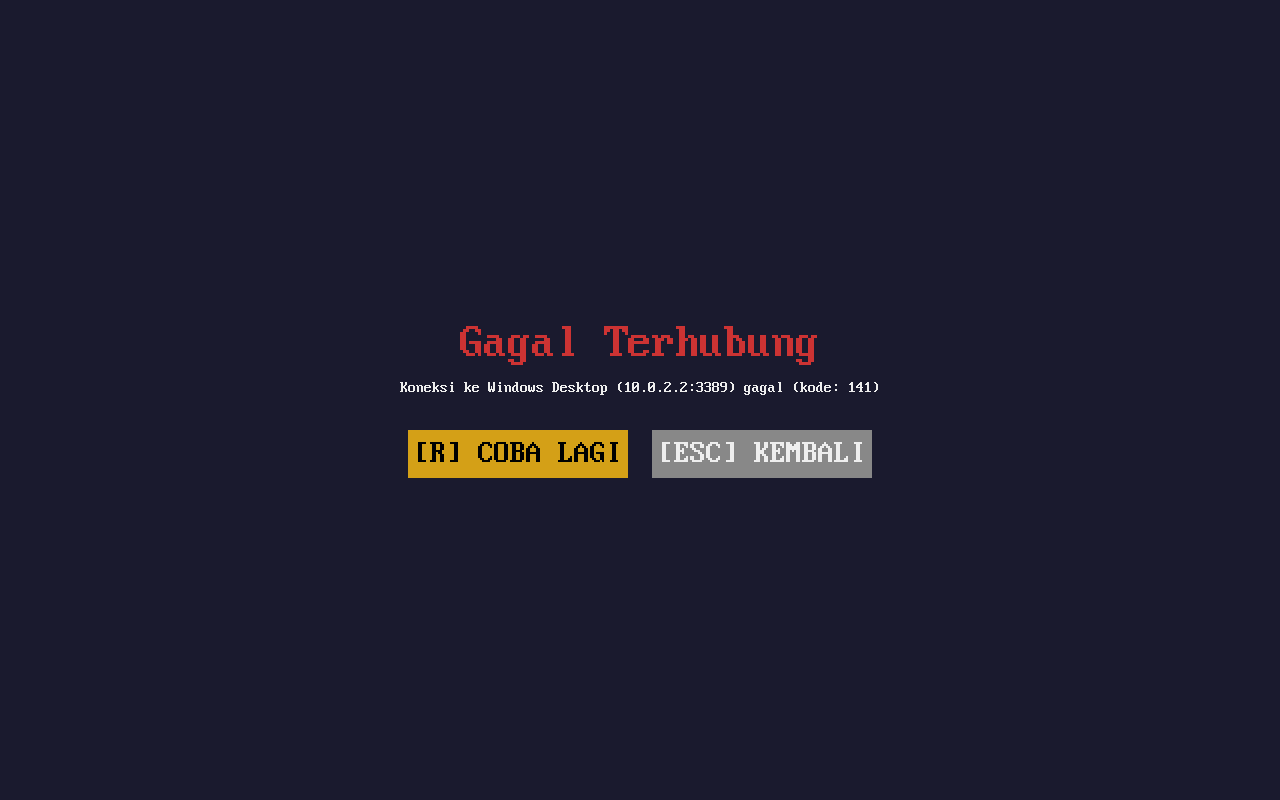
Error Handling
Navigate everything without leaving the keyboard.
| Key | Action |
|---|---|
▲ / ▼ | Navigate connection list |
Enter | Connect to selected server |
n | New connection |
e | Edit selected connection |
d | Delete selected connection |
Tab | Switch between form fields |
Esc | Cancel / go back |
q | Quit |