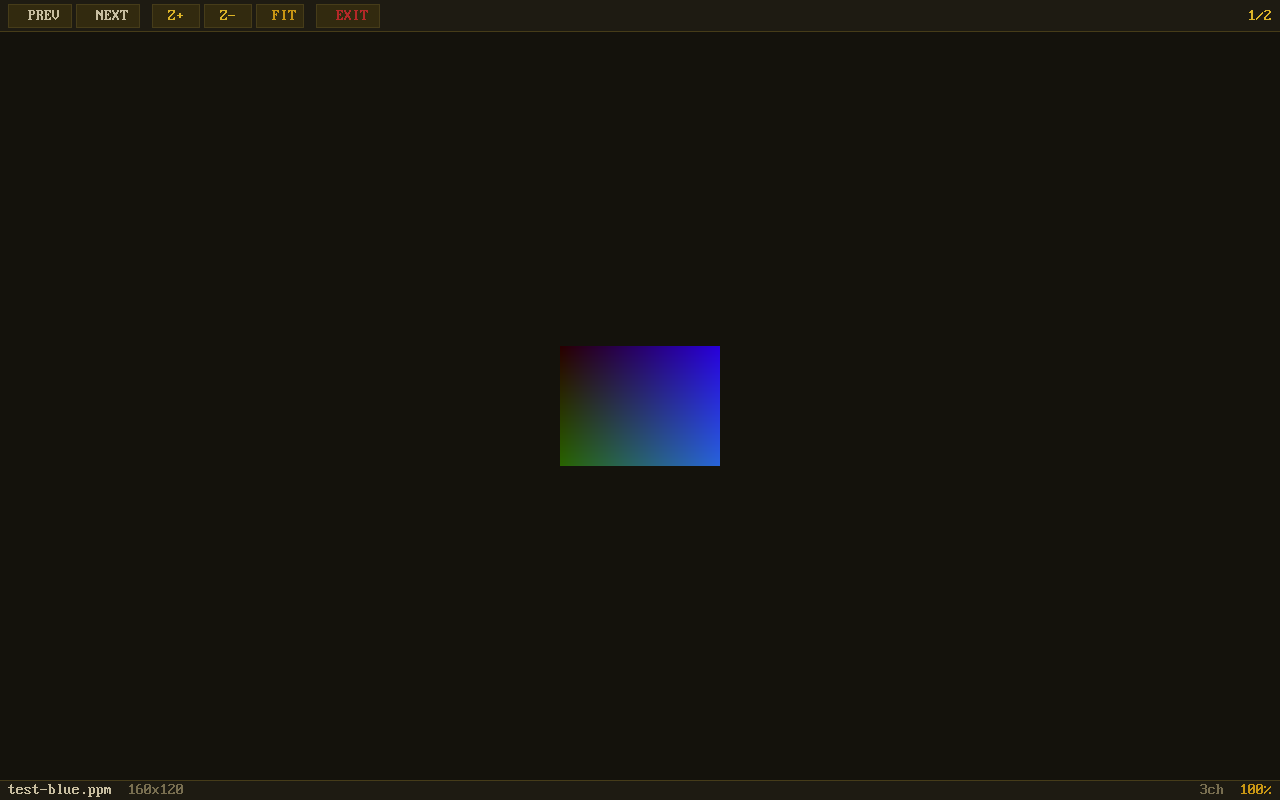
Image viewer with zoom, pan, and toolbar — viewing images directly on hardware
View images on any screen — no bloat, no dependencies
A lightweight image viewer that runs directly on hardware. Browse directories, view PNG/JPG/BMP/GIF images with zoom and pan. Perfect for digital signage, kiosk displays, and embedded systems.
Image viewer with zoom, pan, and toolbar — viewing images directly on hardware
A complete image viewer built for minimal hardware.
Open PNG, JPG, BMP, GIF, TGA, and PSD files. Powered by stb_image — no external libraries needed.
Zoom up to 400% with smooth scaling. Pan around large images with arrow keys. Fit-to-screen with one key.
Built-in directory browser with file type icons. Navigate folders and select images without a terminal.
Browse through all images in a folder with Left/Right arrow keys. Never lose your place.
Transparent PNG images displayed with checkerboard background. See exactly what you’re working with.
Full keyboard shortcuts plus touchable toolbar buttons. Works with any input device.
Click any screenshot to enlarge. Navigate with arrow keys.
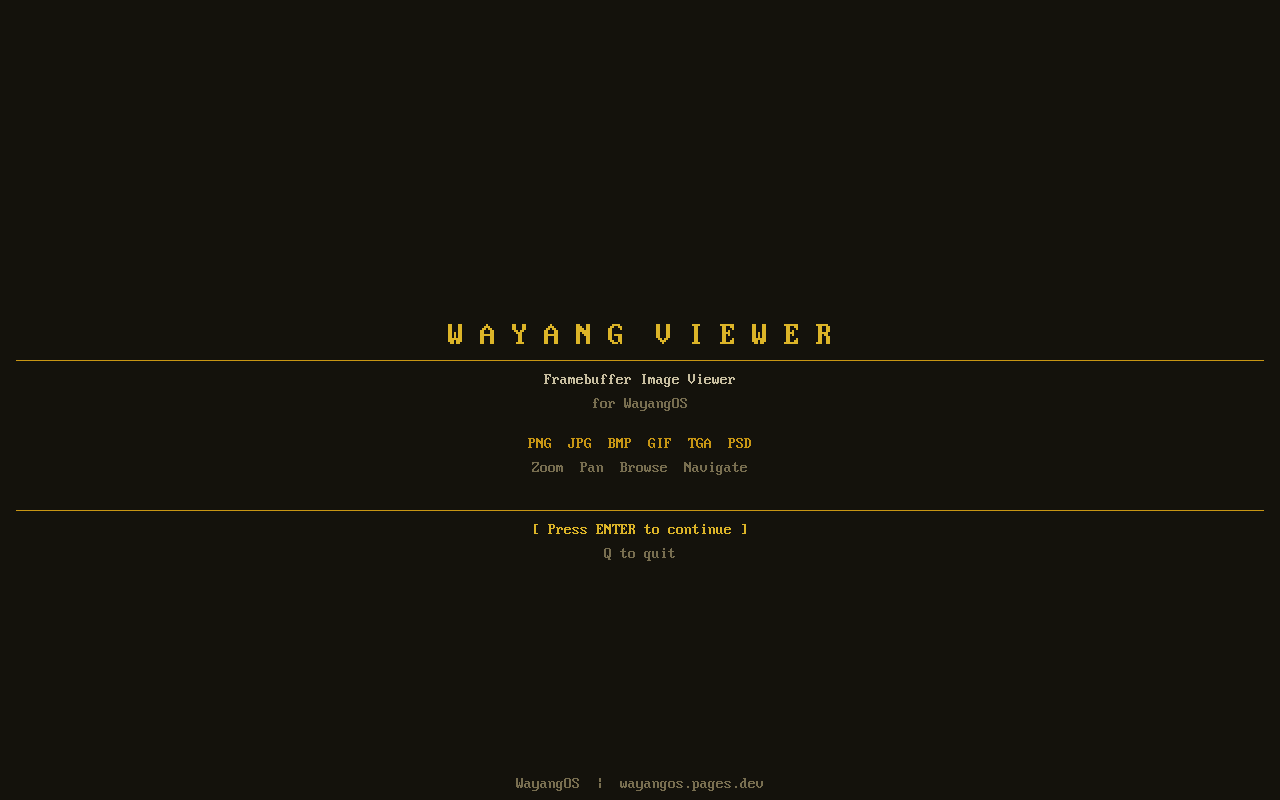
Welcome Screen
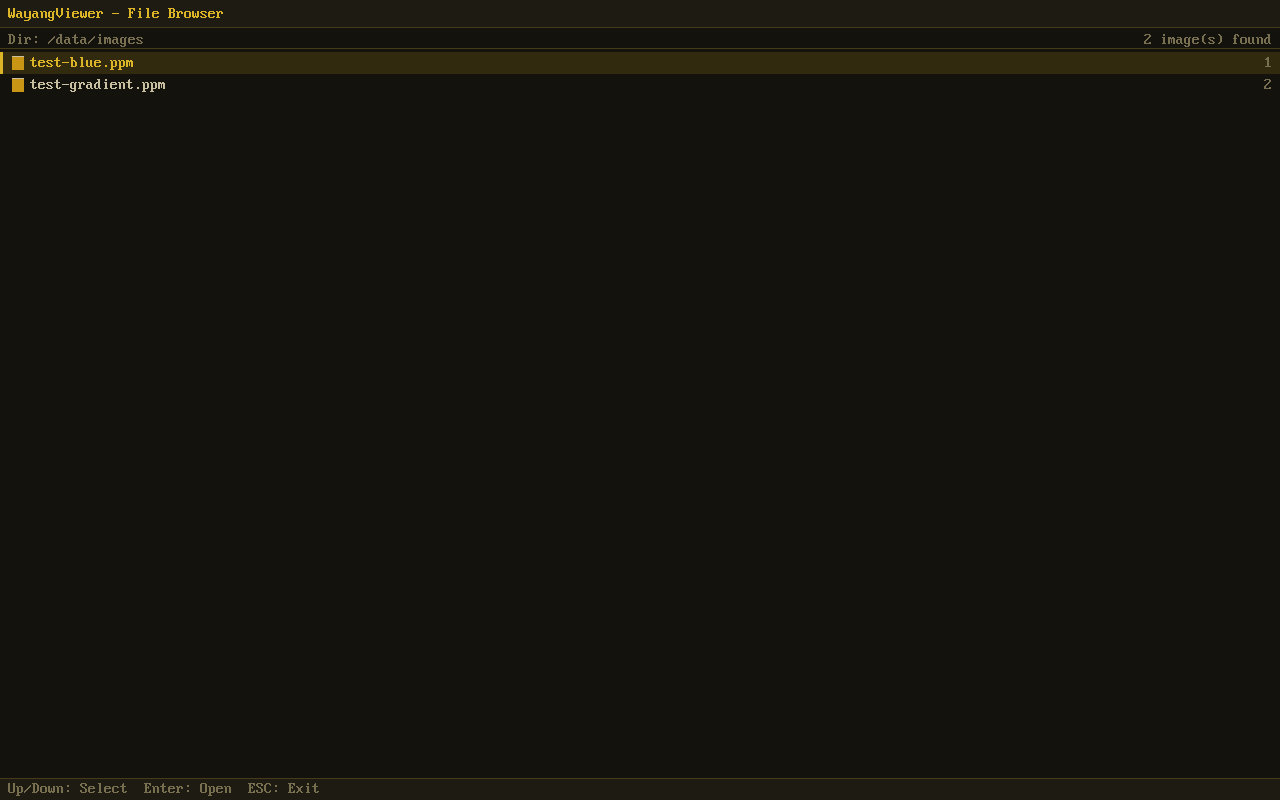
File Browser
Image Viewer
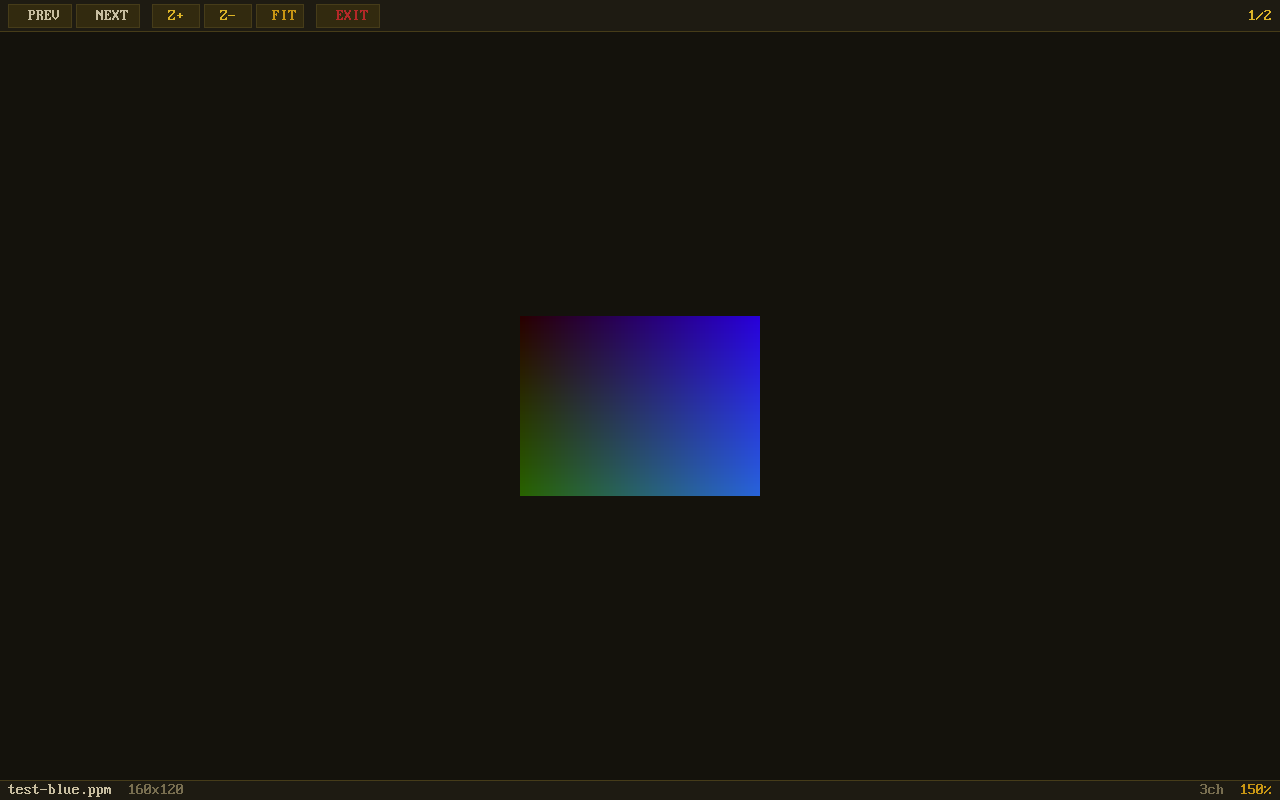
Zoomed View
Navigate everything without leaving the keyboard.
| Key | Action |
|---|---|
◀ / ▶ | Previous / Next image |
+ / - | Zoom in / out |
0 / Home | Fit to screen |
F | Toggle fullscreen |
Enter | Open selected file |
ESC | Back / Exit |
Q | Quit from welcome |