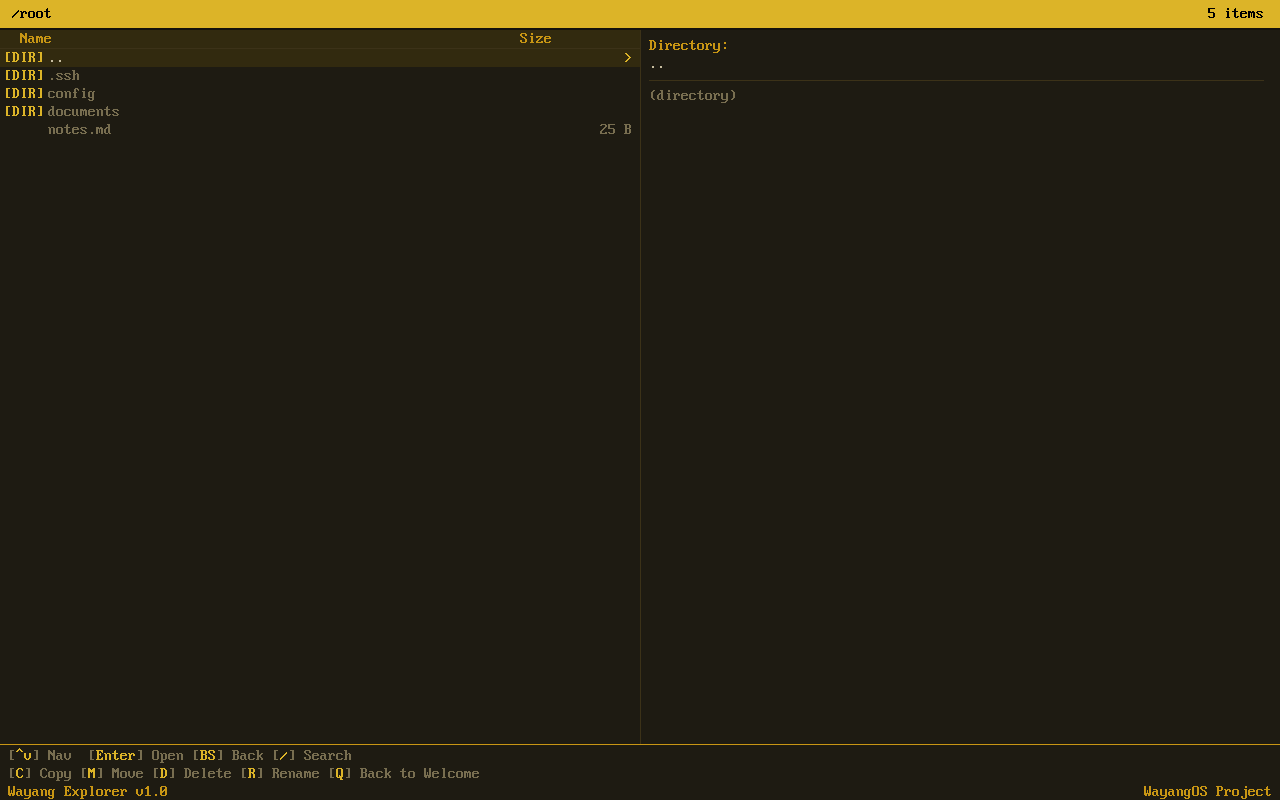
Dual-pane file explorer — see your files and details side by side
Browse and manage your files with ease
A clean, dual-pane file manager that makes organizing your files simple. Copy, move, rename — all with keyboard shortcuts or touch.
Dual-pane file explorer — see your files and details side by side
Everything you need to organize your files. Nothing you don’t.
See your folder contents on the left and file details on the right. Navigate between directories quickly and efficiently.
Use arrow keys to browse, Enter to open, Backspace to go up. Or tap on the touchscreen — both work seamlessly.
All the essential file operations with confirmation dialogs to prevent accidents. No surprises, no lost files.
Preview text files directly in the right pane. Inspect configs, logs, and scripts without opening a separate editor.
Single binary under 200KB. Opens instantly, scrolls smoothly, handles thousands of files without breaking a sweat.
Runs on any device with a screen — from embedded devices to full desktops. No dependencies, no setup required.
Click any screenshot to enlarge. Navigate with arrow keys.
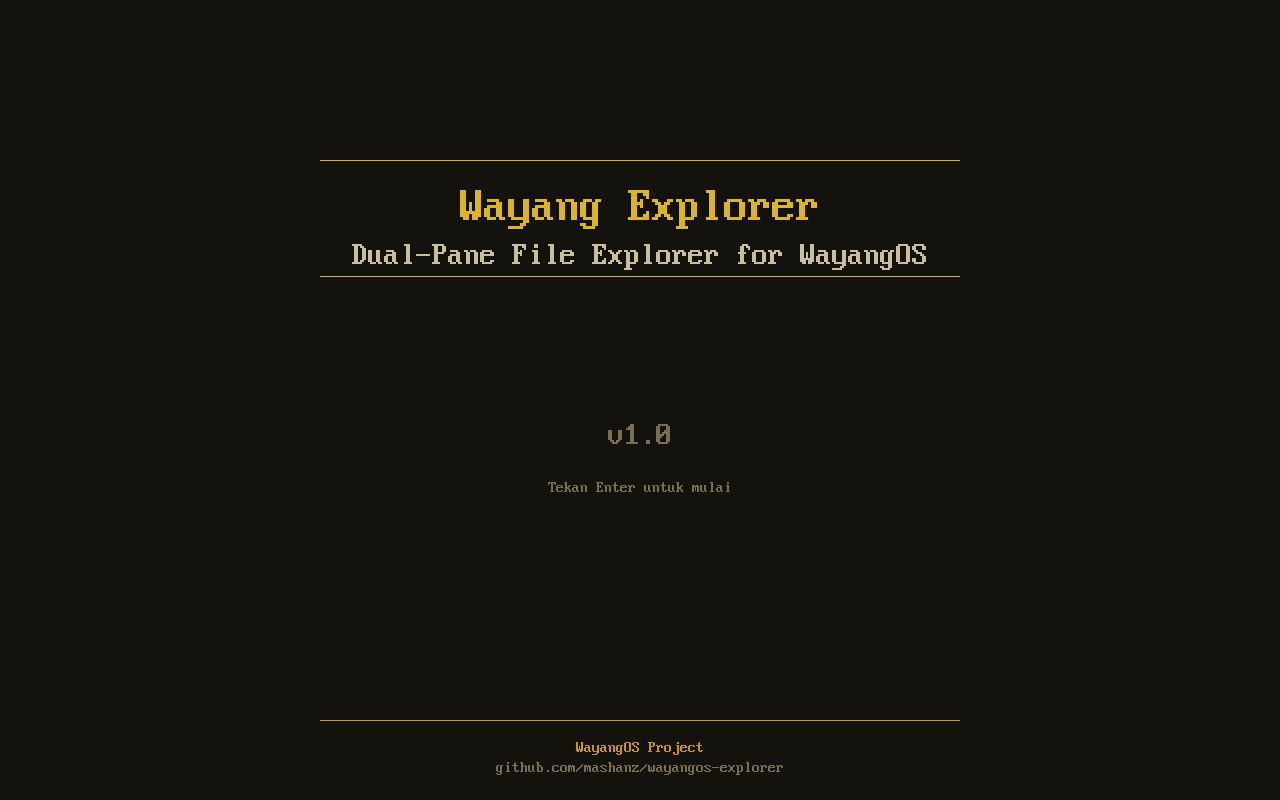
Welcome Screen
Dual-Pane View
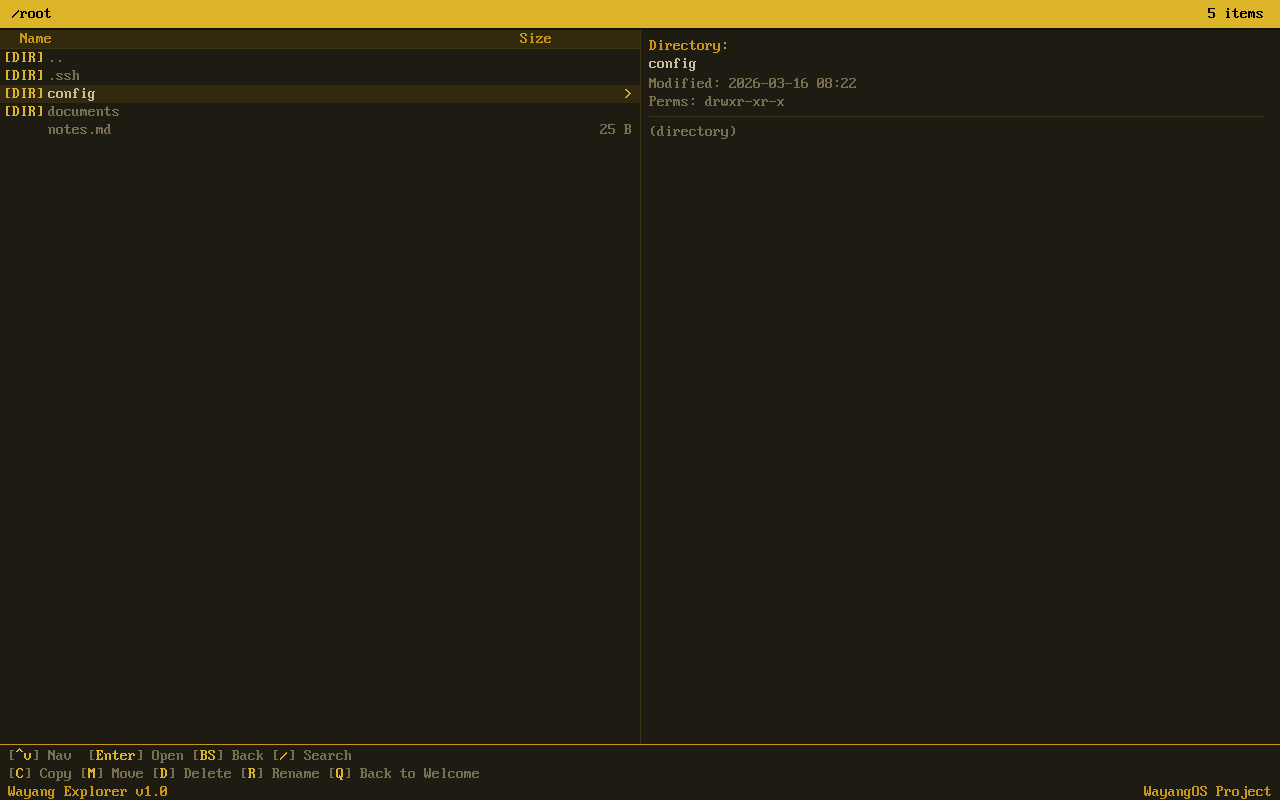
File Navigation
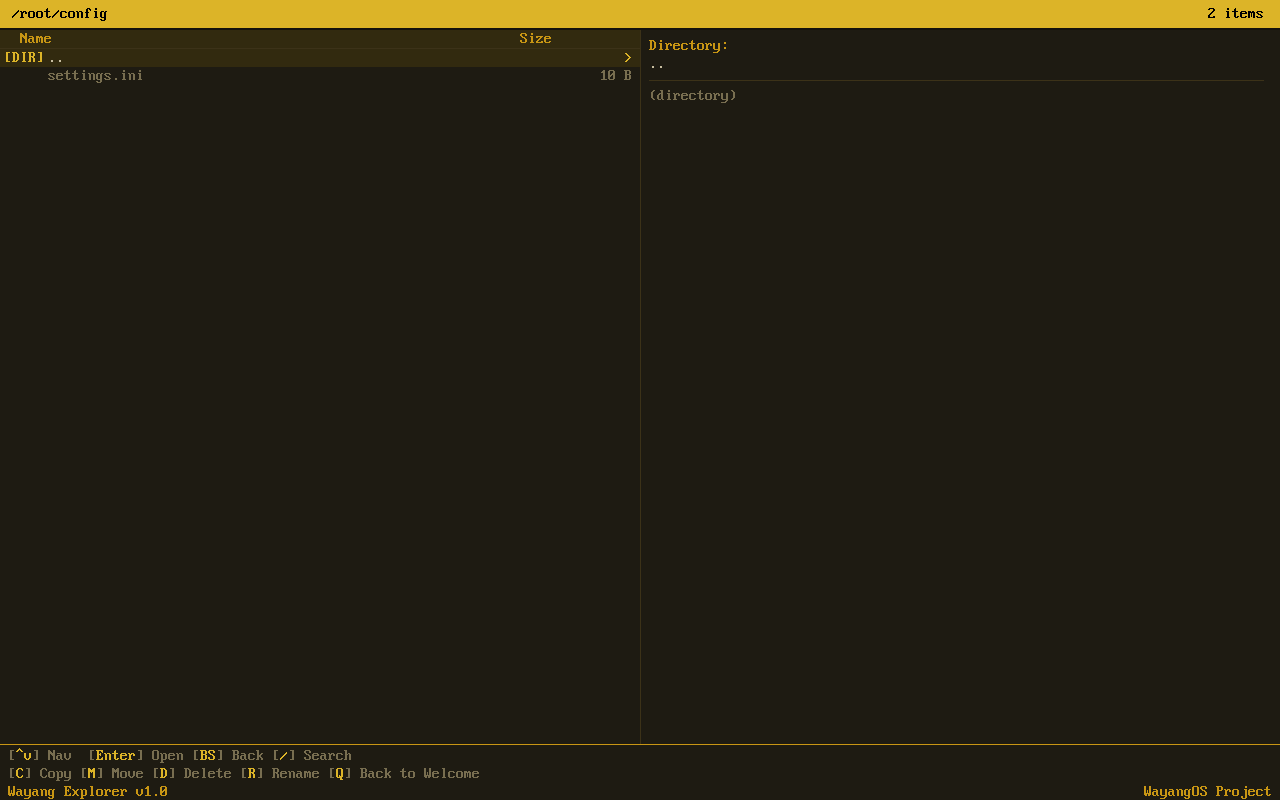
Subdirectory Browsing
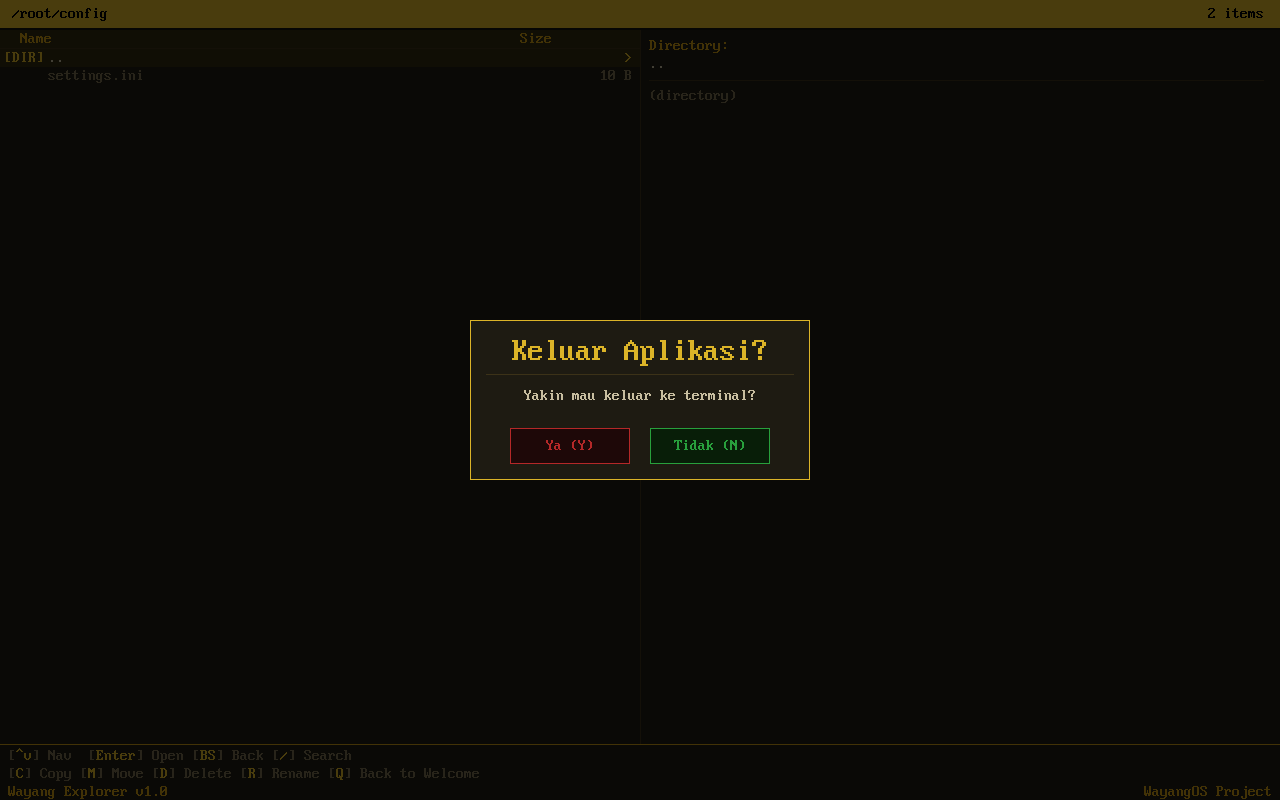
Exit Confirmation
Navigate everything without leaving the keyboard.
| Key | Action |
|---|---|
▲ / ▼ | Navigate up/down in file list |
Enter | Open directory / preview file |
Backspace | Go to parent directory |
Tab | Switch between panes |
c | Copy selected file or folder |
m | Move selected file or folder |
d | Delete selected item |
r | Rename selected item |
q | Quit explorer |